DocFort User Guide

Menu
How to navigate the Tree-View Organizational Structure
Folders can be edited, added, and deleted at any time. To create folders, Click on the Settings icon at the top right of the Landing page. See the image below for reference.
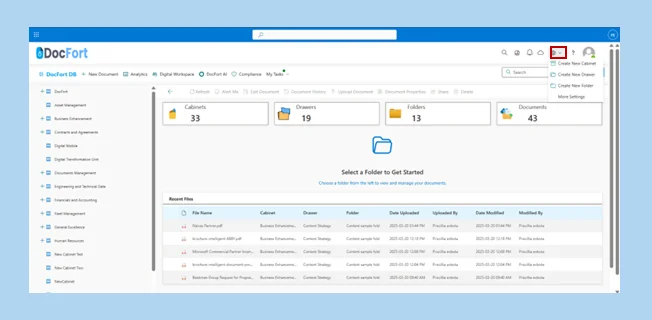
Once clicked, a drop-down menu housing a few options will be displayed.
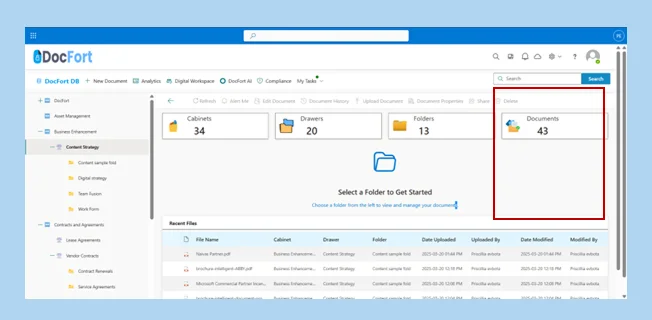
- Click on the Cabinet on the left sidebar of the screen that houses the document you want to be accessed
- Select the + icon on the drawer within the cabinet that houses the document you want to access.
- Select the + icon on the folder in which the document is located.
- Select the document from the document library on the main screen. See the image below for reference.